Main Body
Chapter 11 • JavaScript
What is JavaScript?
JavaScript is the programming language for the web. JavaScript can be included in tags, such as buttons, or written as separate functions that are “called” from a tag.
Many practical functions can be implemented with JavaScript, including printing the page, increasing type size to improve legibility, increasing contrast, and controlling animations.
JavaScript is a separate language from HTML/CSS that many designers consider to be difficult. However numerous simple JavaScript functions can be written with the help of AI chat programs.
Sample Code
Example of a JavaScript statement included in the <button> tag:
<button onClick="window.print();">Print Page</button>
Example of the above statement placed in a function:
<script>
    function printPage() {
        window.print();
    }
</script>
. . . And calling the function in a button:
<button onClick="printPage()"<Print Page>
Using AI to Write JavaScript
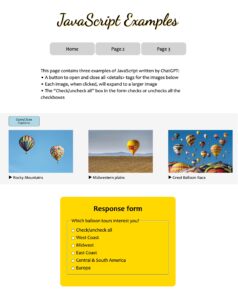
AI chat programs like ChatGPT, ChatAI, DeepSeek, and others make JavaScript more accessible to non-programmers. The key to getting functional JavaScript is to write an accurate, detailed prompt. The following prompt was used to write a program to enlarge thumbnail images when clicked:
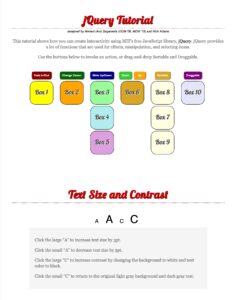
jQuery JavaScript Library
jQuery is a free library of JavaScript functions hosted by Massachusetts Institute of Technology’s Media Lab. According to Wikipedia, jQuery is used in 77% of the 10 million most popular web sites.
Two ways to implement jQuery are to (1) link to the jQuery library at code.jquery.com, or (2) download the jQuery library to your computer and link to it on your server.
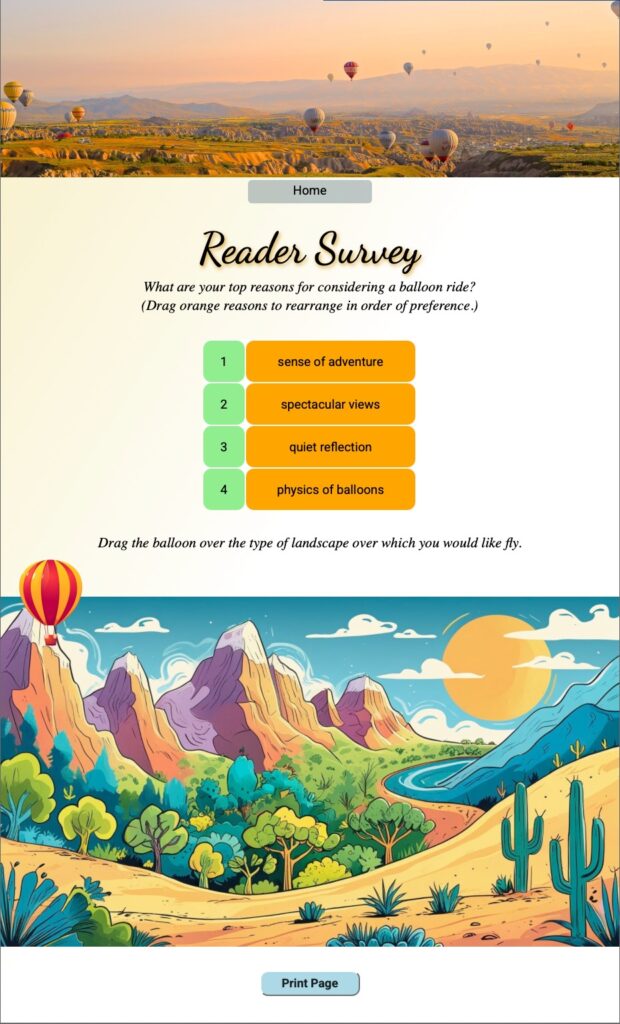
Some jQuery functions include fade-in/fade-out, slide-down/slide-up, change class, animate, sortable, and draggable.
 |
 |
 |